Restaurants looking for the best CloudWaitress alternatives usually need more than a basic online ordering tool. Pricing may no longer fit. POS features may feel limited. Some restaurants need stronger reservation management, better payment integrations, branded ordering, or clearer customer support.
Growth can also change what a restaurant needs. A single-location setup may work at first, but multi-location management, customer marketing, and easier onboarding become more important as operations expand.
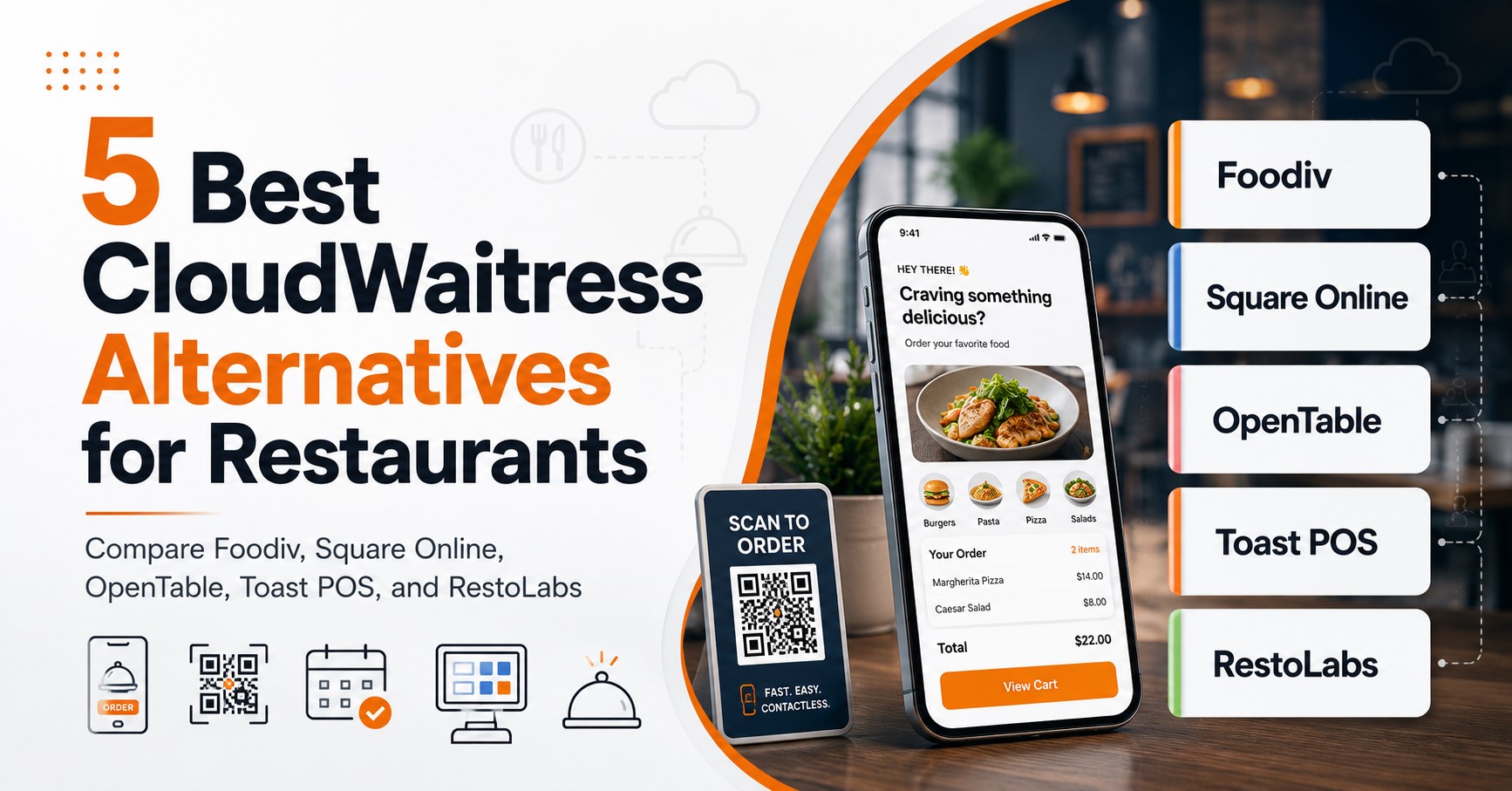
This guide compares Foodiv, Square Online, OpenTable, Toast POS, and RestoLabs. Each platform takes a different approach. Foodiv focuses on direct ordering and restaurant control. Square Online fits businesses already using Square. OpenTable is built around reservations. Toast connects ordering with POS operations, while RestoLabs focuses on branded online ordering.
We will compare their features, pricing, integrations, scalability, support, and overall fit for different restaurant types.
Quick Answer: What Is the Best CloudWaitress Alternative?
Foodiv is the best overall CloudWaitress alternative for restaurants that want direct online ordering, branded ordering channels, QR ordering, customer data control, and multi-location management in one platform. Still, the right choice depends on how your restaurant operates. Square Online suits businesses already using Square. OpenTable works best for reservations and guest management. Toast POS is a stronger fit for restaurants that want ordering connected with a full POS ecosystem. RestoLabs is worth considering if branded online ordering is your main priority.
Compare the Best CloudWaitress Alternatives for Restaurants
Foodiv, Square Online, OpenTable, Toast POS, and RestoLabs serve different restaurant needs. This quick comparison shows which platform is best for online ordering, POS, reservations, branding, and multi-location management.
| Platform |
Best for |
Core strength |
Online ordering |
POS capabilities |
Reservations |
Multi-location |
| Foodiv |
Best overall CloudWaitress alternative |
Direct ordering and restaurant control |
Yes |
Available through integrations and platform tools |
Depends on the restaurant setup |
Yes |
| Square Online |
Businesses already using Square |
Website ordering and payment ecosystem |
Yes |
Connected with the Square POS ecosystem |
Limited |
Yes |
| OpenTable |
Reservation-led restaurants |
Reservations and guest management |
Depends on product and regional availability |
Available through integrations |
Strong |
Yes |
| Toast POS |
Restaurants needing an integrated POS |
POS and restaurant operations |
Yes |
Strong |
Available through features or integrations |
Yes |
| RestoLabs |
Branded online ordering |
Restaurant ordering websites and apps |
Yes |
Available through integrations |
Limited |
Yes |
5 Best CloudWaitress Alternatives for Restaurants
Not every CloudWaitress alternative solves the same problem. Foodiv and RestoLabs focus on helping restaurants generate direct online orders. Square Online works closely with Square payments and POS. OpenTable puts reservations and guest management first, while Toast connects ordering with a broader restaurant POS system. The best option depends on what your restaurant needs most, whether that is lower ordering costs, stronger branding, reservation tools, payment integration, or control across several locations.
1. Foodiv: Best Overall CloudWaitress Alternative
Best for: Independent restaurants, cafés, QSRs, cloud kitchens, hotels, and multi-location businesses that want more control over direct online orders.
Overview
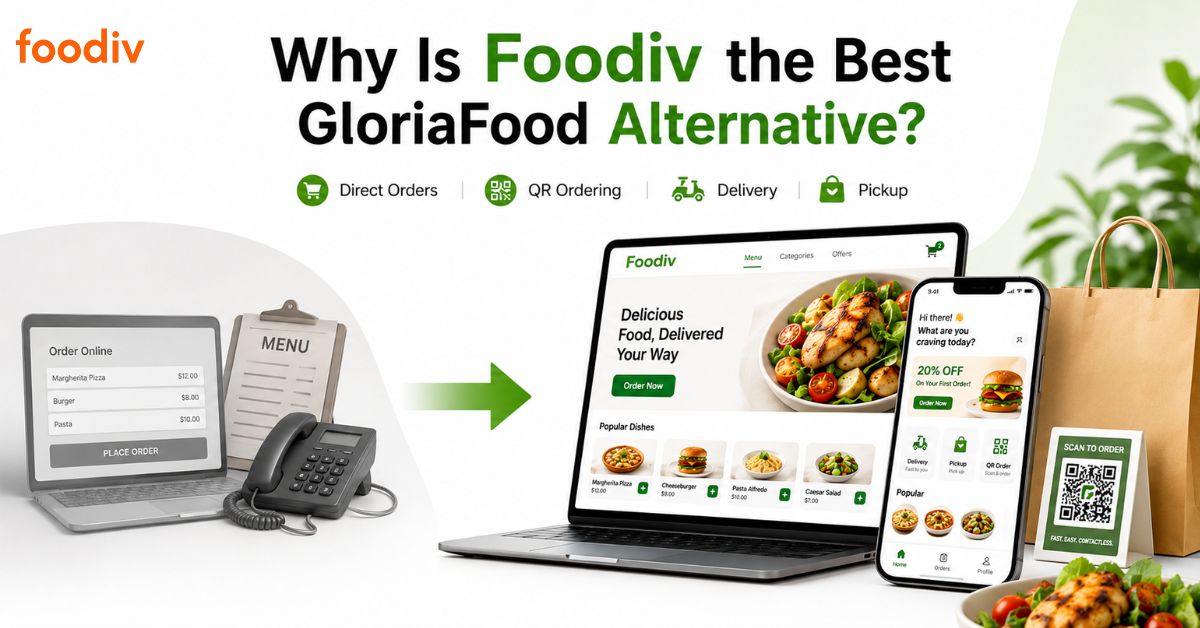
Foodiv is our best overall CloudWaitress alternative because it covers more than website ordering. Restaurants can use it to accept delivery, takeaway, pre-orders, and QR-based dine-in orders while managing menus, payments, customers, and multiple outlets from one system.
Its strongest advantage is control. Restaurants can take orders through their own branded website instead of sending customers to a marketplace. They also keep access to customer information, which supports loyalty programs, coupons, and repeat-order campaigns.
Foodiv suits restaurants that want online ordering without paying a commission on each order. It also includes tools such as KOT, online POS, delivery management, inventory, table reservations, and operational reporting across its plans. That makes it a broader restaurant management option rather than a basic ordering page.
Key features
- Direct online ordering
- No per-order commission
- Branded restaurant website
- Custom domain and free SSL
- QR code and table ordering
- Delivery, pickup, and pre-ordering
- Menu and product modifier management
- Custom payment gateway support
- Customer data access
- Coupons and promotional offers
- Loyalty program
- Reports and analytics
- Inventory management
- Table reservations
- Multi-language support
- Multi-location management
- KOT and online POS tools
- Delivery partner integrations
Why choose Foodiv over CloudWaitress?
Foodiv makes sense when your restaurant needs ordering and operational tools in one place. It supports direct customer relationships, branded ordering, loyalty, reporting, inventory, reservations, and multi-location control.
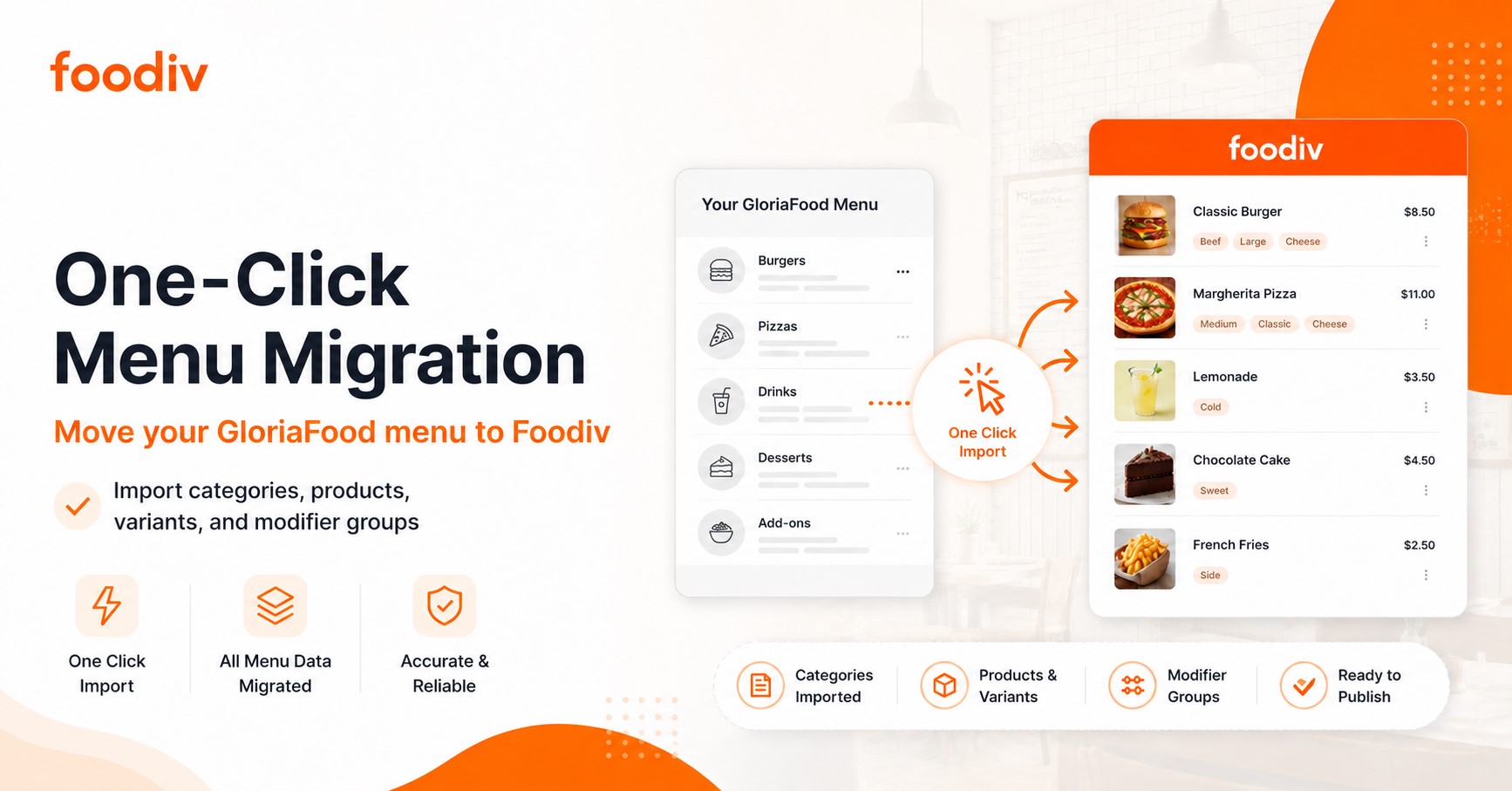
It is also the strongest choice in this list for restaurants that want a predictable annual subscription without setup fees, contracts, or per-order commissions. Restaurants moving from CloudWaitress should still confirm which menu and account information can be transferred automatically and which parts require manual setup.
Limitations
Foodiv will not fit every restaurant without some preparation. Payment gateway availability may vary by country, and restaurants should confirm that their existing POS can connect with the platform.
Pricing also works on a per-outlet basis, so multi-location restaurants should calculate the full annual cost before choosing a plan.
Foodiv pricing
Foodiv currently offers three annual plans:
- Standard: $129 per year, per outlet
- Plus: $349 per year, per outlet
- Premium: $649 per year, per outlet
The Standard plan includes unlimited orders, QR ordering, a website builder, custom payment gateway support, KOT, online POS, pre-ordering, and delivery partner integration.
The Plus plan adds reservations, coupons, reporting, loyalty, inventory, table or room ordering, delivery-zone controls, and staff management. The Premium plan adds a branded customer mobile application.
Foodiv states that it charges no setup fee, requires no contract, and takes no commission per order. Standard and Plus include a seven-day free trial with no payment required. The listed plans use yearly billing.
2. Square Online: Best for Restaurants Already Using Square
Best for: Small restaurants, cafés, food businesses, and merchants that already use Square POS or Square payments.
Overview
Square Online is a practical CloudWaitress alternative for businesses already working inside the Square ecosystem. Restaurants can build a mobile-friendly ordering site, accept pickup and delivery orders, process payments, and keep online orders connected with Square POS.
The main appeal is simplicity. Menus, payments, orders, and business reporting sit within the same Square account. This reduces the need to connect several unrelated tools.
Square Online can also support multiple locations, customer notifications, QR ordering, menu imports, and direct orders without marketplace commissions. Still, restaurants should compare the full Square for Restaurants offering rather than viewing the website builder alone. Advanced kitchen, marketing, inventory, and restaurant management features may require a paid plan or an additional Square product.
Key features
- Mobile-friendly online ordering website
- Pickup and local delivery
- Square payment processing
- Square POS connection
- QR code ordering
- Menu and item management
- Customer order notifications
- Ordering windows and fulfilment controls
- Business reporting
- Multi-location support
- Apple Pay, Google Pay, Square Pay, and card payments
- Optional marketing, KDS, kiosk, payroll, and inventory tools
Why choose Square Online?
Square Online is easiest to recommend when a restaurant already uses Square. Staff can work with a familiar payment and POS environment instead of introducing a completely separate ordering system.
The Free plan also gives smaller businesses a low-cost way to begin accepting online orders. The restaurant still pays processing fees, but there is no required monthly software charge on that plan.
Limitations
Square works best when the restaurant is comfortable staying inside the Square ecosystem. Moving to another payment processor or POS later may require more work.
Advanced features can also raise the total cost. Square KDS, kiosk tools, restaurant inventory, payroll, and other products carry separate charges. Branding and feature access depend on the selected plan.
Square pricing
Square for Restaurants currently lists:
- Square Free: $0 per month, per location
- Square Plus: $49 per month, per location
- Square Premium: $149 per month, per location
Online payment processing is currently listed at 3.3% plus 30 cents on Square Free and 2.9% plus 30 cents on Plus and Premium. Paid plans include a 30-day free trial, and businesses can cancel or change plans. Square also lists optional hardware starting at $59, while services such as KDS and kiosk software cost extra.
3. OpenTable: Best for Reservations and Guest Management
Best for: Full-service restaurants, fine-dining venues, and hospitality businesses that depend heavily on reservations and guest relationships.
Overview
OpenTable is not a direct feature-for-feature replacement for CloudWaitress. Its main strength is reservation management rather than delivery and takeaway ordering.
Restaurants can use OpenTable to manage bookings, table availability, floor plans, waitlists, guest profiles, deposits, and reservation communications. It also helps restaurants reach diners through OpenTable’s discovery and booking network.
This makes OpenTable a strong option for restaurants where table occupancy and guest experience matter more than online food delivery. A fine-dining venue, hotel restaurant, or busy full-service restaurant may gain more value from OpenTable than a takeaway or cloud kitchen.
Restaurants that need direct pickup and delivery orders may still need a separate ordering platform alongside OpenTable.
Key features
- Online reservations
- Custom booking widget
- Table and floor-plan management
- In-house and online waitlist
- Guest database
- Guest profiles, tags, and notes
- Automated reservation messages
- Deposits and credit card holds
- Experiences and event ticketing
- Restaurant discovery
- Review management
- POS integrations
- Operational reporting
- Multi-location and enterprise options
- Email marketing and guest relationship tools on higher plans
Why choose OpenTable?
Choose OpenTable when reservations drive a meaningful share of your revenue. It can help your team manage table availability, understand returning guests, reduce missed bookings, and improve how staff prepare for service.
Its diner network also gives restaurants a discovery channel that direct-ordering platforms do not usually provide.
Limitations
OpenTable does not replace a complete delivery and pickup ordering system. Restaurants may need to use it alongside another platform.
Its subscription and per-cover costs may also feel high for smaller restaurants, especially those that receive many bookings through the OpenTable network.
OpenTable pricing
OpenTable currently lists three US plans:
- Basic: $149 per month
- Core: $299 per month
- Pro: $499 per month
The Basic plan charges $1.50 per network cover after the first 30 days. Core and Pro charge $1 per network cover. Reservations made through the restaurant’s own website cost $0.25 per cover or a $49 monthly flat fee on Basic, while Core and Pro include website reservations.
Prepaid experiences carry a 2% service fee. OpenTable notes that its Basic plan is only available in the US, and regional pricing can differ.
4. Toast POS: Best for Integrated Restaurant POS Operations
Best for: Restaurants that want online ordering connected with POS, payments, kitchen operations, reporting, marketing, and team management.
Overview
Toast is a broader restaurant technology platform rather than a standalone online ordering tool. It connects POS, payments, online ordering, delivery, kitchen displays, websites, loyalty, gift cards, payroll, scheduling, and multi-location reporting.
That wider system is its biggest strength. Orders placed online can move into the same operational workflow as orders taken at the counter or table. This can reduce manual entry and give managers one place to review restaurant performance.
Toast is a strong option for restaurants that want to replace several disconnected tools. However, it requires a bigger operational commitment than most standalone CloudWaitress alternatives. Restaurants should account for hardware, implementation, payment processing, and add-on software before making a decision.
Key features
- Restaurant POS
- Integrated online ordering
- Payment processing
- Delivery and pickup
- Menu management
- Kitchen display system
- Order routing
- Restaurant websites
- Branded mobile application
- Loyalty and gift cards
- Guest CRM
- Email marketing
- Payroll and scheduling
- Inventory and cost analytics
- Catering and events
- Multi-location management
- Third-party delivery integrations
- 24/7 customer support
Why choose Toast POS?
Toast is a better choice when online ordering is only one part of the problem. It connects front-of-house orders, kitchen workflows, payments, delivery, reporting, and customer engagement within one restaurant-focused platform.
It also offers onboarding support for menu migration, account configuration, and digital ordering setup.
Limitations
Toast may cost more than a standalone online ordering platform once hardware, implementation, payment processing, and optional modules are included.
Restaurants must also use Toast-compatible hardware. Availability differs by country, and some products or integrations may not be offered in every market.
Toast pricing
Toast currently lists:
- Starter Kit: $0 per month
- Point of Sale: $69 per month
- Build Your Own: Custom pricing
Toast states that upfront costs can include hardware and implementation. Its Pay-as-You-Go option reduces upfront hardware and installation costs through an all-in-one platform rate. Online ordering, websites, loyalty, payroll, marketing, and other products may affect the final quote.
Toast’s published pricing applies to new customers and single locations, and additional devices may cost extra. The company includes 24/7 support with its software subscriptions.
5. RestoLabs: Best for Branded Online Ordering
Best for: Restaurants that want branded direct ordering, customer data access, delivery integrations, loyalty tools, and mobile ordering without marketplace commissions.
Overview
RestoLabs compares more directly with CloudWaitress than OpenTable or Toast because direct online ordering sits at the centre of the product.
Restaurants can use RestoLabs to accept pickup, delivery, QR, and catering orders through branded digital channels. It also includes customer data, loyalty, promotions, analytics, payment integrations, and connections with POS and delivery services.
The platform suits restaurants that want to reduce dependence on third-party marketplaces while keeping control over the customer relationship. Its Basic plan covers core online ordering, while higher plans add delivery integrations, websites, mobile applications, and broader marketing tools.
RestoLabs also supports multi-location businesses, although restaurants should confirm the exact location pricing, POS connection, and setup requirements before subscribing.
Key features
- Commission-free direct ordering
- Branded ordering pages
- Pickup and in-house delivery
- Third-party delivery integrations
- QR table ordering
- Catering orders
- Menu and modifier management
- More than 50 payment gateway options
- Customer database ownership
- Loyalty points
- Coupons and promotions
- Email and SMS marketing
- Real-time analytics
- POS integrations
- Multi-language menus
- Multi-location support
- Optional restaurant website
- Optional branded mobile application
Why choose RestoLabs?
RestoLabs is a good fit when branded ordering is the main priority. It gives restaurants their own direct sales channel while supporting loyalty, customer data, promotions, payments, and fulfilment.
It also uses a flat subscription model rather than charging a commission on every direct order.
Limitations
Some important features sit in higher plans or paid add-ons. For example, the branded website and mobile application may cost extra unless the restaurant chooses the Pro plan.
POS and delivery integration availability also depends on the restaurant’s existing systems and location.
RestoLabs pricing
RestoLabs currently lists:
- Basic: $69 per month
- Growth: $99 per month
- Pro: $199 per month
Basic includes online ordering with pickup and in-house delivery. Growth adds third-party delivery integrations. Pro includes a website, ordering tools, marketing features, and branded mobile applications.
RestoLabs offers a 30-day free trial with no credit card required. Its main pricing page states that annual billing saves 20%. Optional add-ons include a restaurant website for $29 per month, a branded mobile application for $49 per month, and Google Business Profile management for $19 per month.
How We Selected the Best CloudWaitress Alternatives
We selected these CloudWaitress alternatives by comparing their online ordering features, restaurant management capabilities, integrations, pricing, scalability, branding options, and suitability for different restaurant types.
To keep the comparison fair, we reviewed every platform using the same criteria:
- Online ordering: Support for delivery, pickup, dine-in, scheduled orders, and direct website orders.
- Restaurant operations: Menu management, QR ordering, reservations, order tracking, and day-to-day control.
- Integrations: Compatibility with POS systems, payment gateways, kitchen tools, and delivery services.
- Branding: Availability of branded websites, custom domains, mobile apps, and restaurant-owned ordering channels.
- Customer growth: Access to customer data, loyalty programs, coupons, email marketing, and promotional tools.
- Multi-location support: Centralized menus, reporting, outlet management, and team access.
- Pricing: Subscription costs, transaction fees, payment processing, setup charges, hardware, and paid add-ons.
- Setup and support: Ease of onboarding, migration assistance, customer service, and training resources.
- Scalability: How well the platform can support growing order volumes, more locations, and changing restaurant needs.
Which CloudWaitress Alternative Should You Choose?
Choose Foodiv for an all-around direct ordering platform, Square Online for a Square-connected setup, OpenTable for reservations, Toast for integrated POS operations, and RestoLabs for branded online ordering. The right choice depends on the problem you need to solve, not the longest feature list.
Choose Foodiv if you want more control over direct orders
Foodiv is the strongest overall choice for restaurants that want commission-free online ordering, QR ordering, delivery, pickup, branded websites, and multi-location management in one platform. It also makes sense if customer data, loyalty tools, and direct customer relationships matter to your growth.
Choose Square Online if you already use Square
Square Online is a practical option for small restaurants, cafés, and food businesses already using Square POS or Square payments. It keeps ordering, payments, and reporting within one familiar ecosystem. It is best for businesses that want a simple setup rather than a highly customized restaurant platform.
Choose OpenTable if reservations drive your business
OpenTable fits full-service restaurants, fine-dining venues, and hospitality businesses that depend on bookings and table management. Choose it if guest profiles, waitlists, restaurant discovery, and reservation control matter more than delivery or pickup ordering.
Choose Toast POS if you need a complete restaurant system
Toast works well for restaurants that want online ordering connected directly with POS, payments, kitchen displays, order routing, reporting, loyalty, and staff tools. It suits businesses ready to invest in hardware, software, and a broader operational setup.
Choose RestoLabs if branded ordering is your main goal
RestoLabs is worth considering if you want direct pickup and delivery orders through your own website or mobile app. It is a good fit for restaurants trying to reduce marketplace dependence while keeping control over branding, customer data, promotions, and online sales.
Final Verdict: What Is the Best CloudWaitress Alternative?
Foodiv stands out as the strongest overall option for restaurants that want to manage direct orders, QR ordering, branded digital channels, customer data, and multiple locations from one place. It brings ordering and daily restaurant operations together, giving businesses more independence from third-party marketplaces.
The other platforms fit more specific needs. Square Online works well for businesses already using Square. OpenTable is the better choice for reservation-led restaurants. Toast suits restaurants that need online ordering connected with POS and kitchen operations. RestoLabs is a good option for branded online ordering.
Before choosing, compare subscription costs, payment processing fees, POS compatibility, migration support, customer data access, and any paid add-ons. The best platform is the one that fits your current setup and gives your restaurant room to grow.