





Best QR Code Menus For Restaurants | Create QR Code Menu - Foodiv
Video Demo

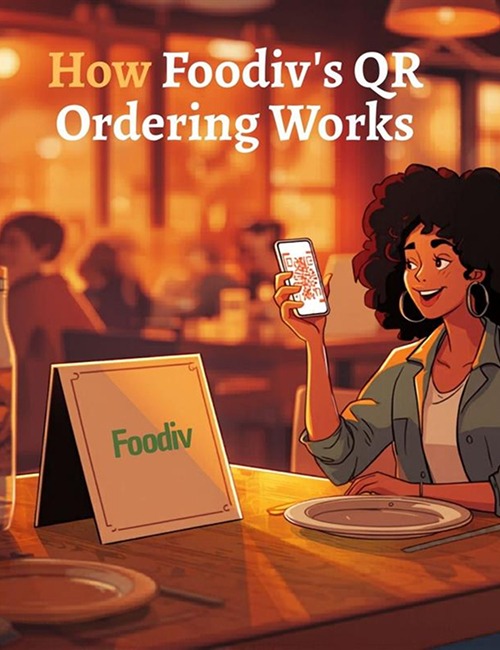
How Foodiv’s QR Ordering System Works

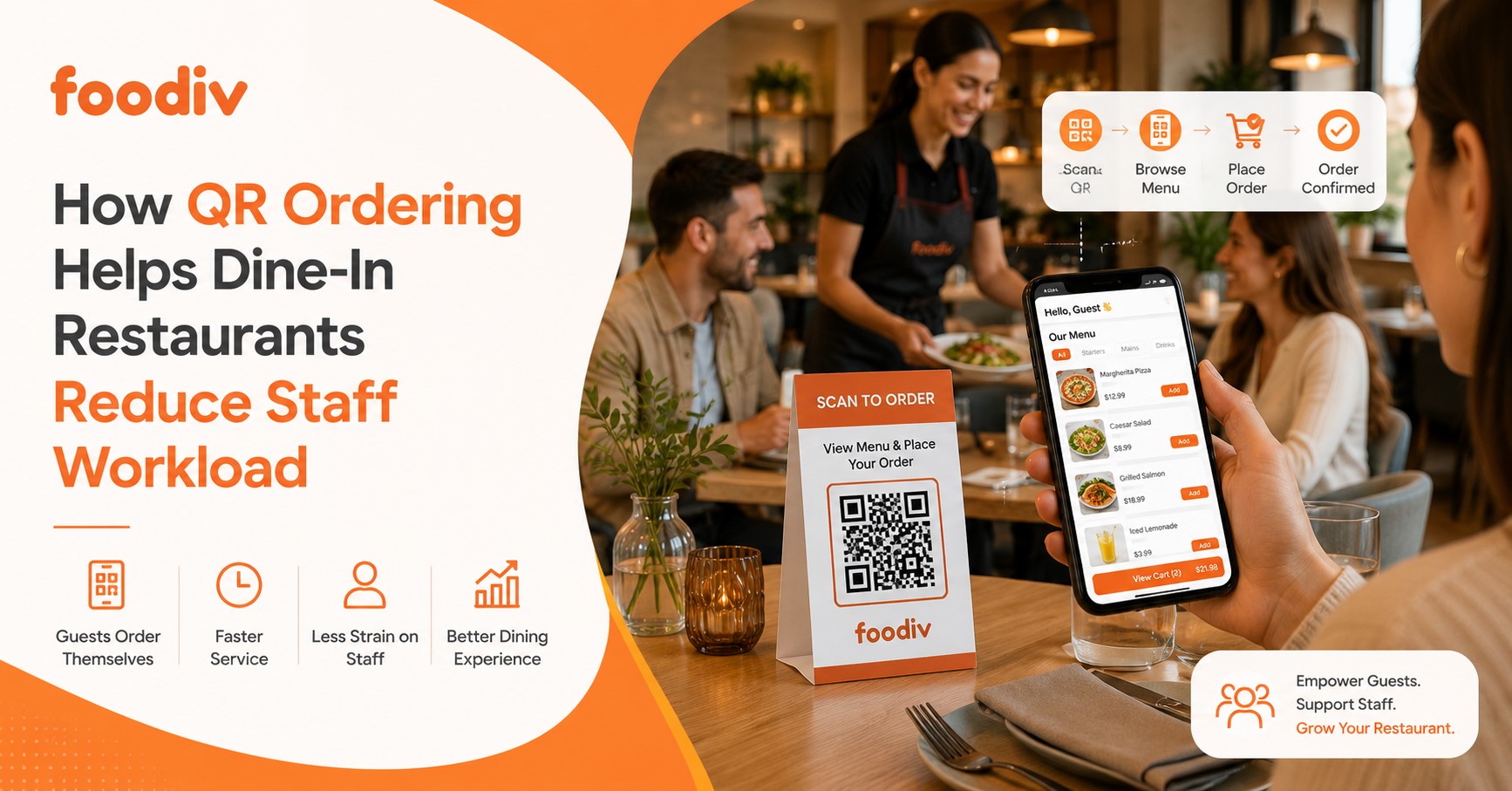
Foodiv’s QR ordering system lets guests scan a code at the table, open the digital menu, choose items, and place an order from their phone. This QR code restaurant ordering flow helps restaurants speed up service, reduce manual order taking, and turn a basic QR code menu ordering system into a smoother dine in experience.

How Foodiv’s QR Ordering System Works
  • Step 1: Guest scans the QR code

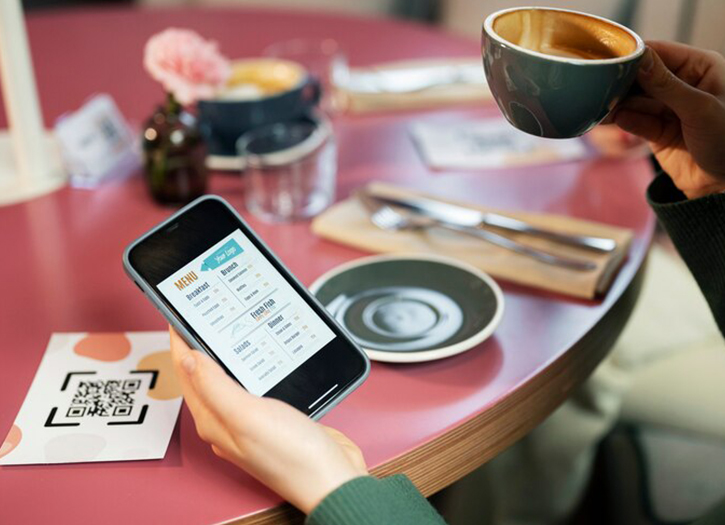
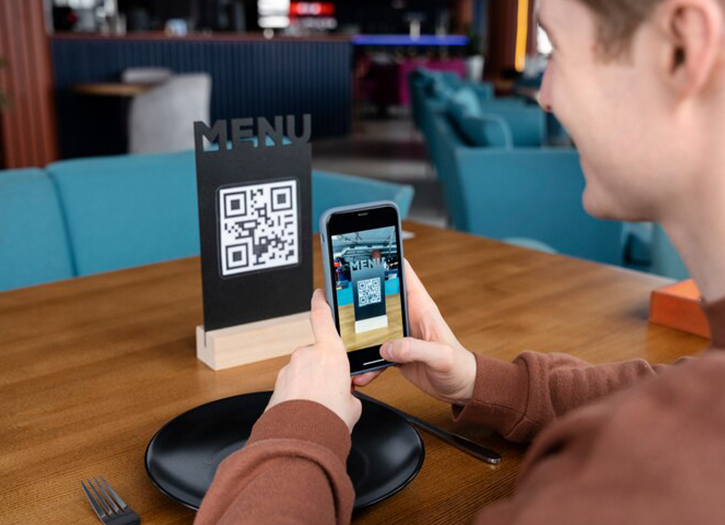
    The customer scans the QR code placed on the table, counter, takeaway package, or display card. The menu opens on their phone in seconds, with no need to download an app.

  • Step 2: Customer views the digital menu

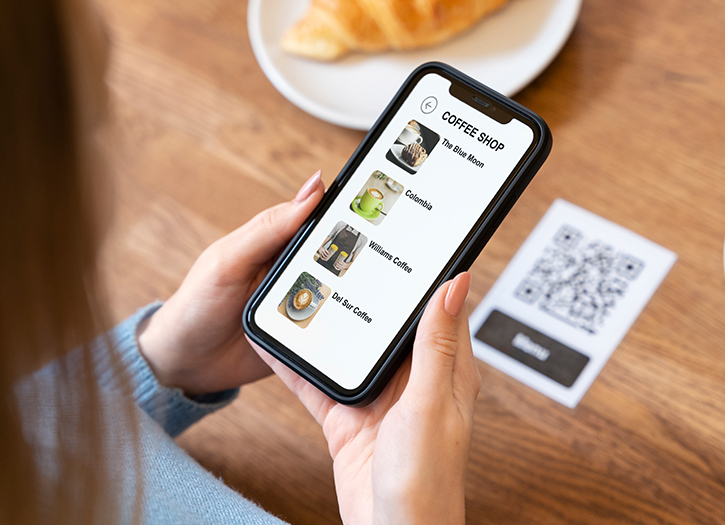
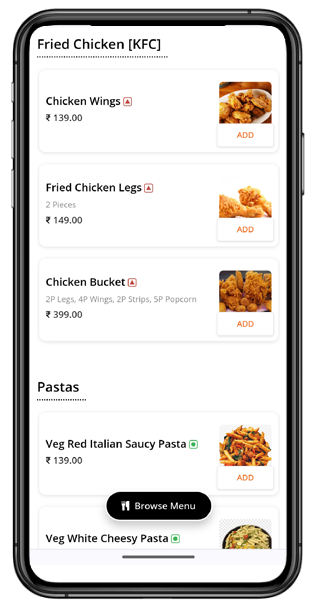
    After scanning, the guest can browse the full digital menu, check item details, see prices, view images, and explore available categories. This makes the menu easy to access and easy to understand.

  • Step 3: Customer selects items and customizes the order

    The guest adds food or drinks to the cart and chooses any available options, add-ons, or special requests. This step turns a basic menu QR code into a more useful QR code menu ordering system.

  • Step 4: Order is placed from the phone

    Once the selection is ready, the customer confirms the order directly from the phone. This part of the QR code restaurant ordering process reduces waiting time and helps staff avoid manual order entry.

  • Step 5: Restaurant receives the order

    The order goes to the restaurant team for preparation and service. Staff can process it quickly and manage incoming table orders in a more organized way.

  • Step 6: Service becomes faster and smoother

    Because guests can scan, browse, and order on their own, restaurants can improve table service, reduce order errors, and handle busy hours more efficiently. What this really means is simple. Foodiv’s QR ordering system helps restaurants move from a static QR code menu to a more practical and scalable ordering flow.

Top Features of QR Code Menu

QR code menus are most prevalent in most restaurants as customers prefer to know everything about their food. With a QR code menu, they can easily explore all menu items from their fingertip. QR code menu not only helps customers with a list of menus but presents a digital version of the restaurant menu that narrates every piece of information they seek to know about. However, you must find the correct QR code menu builder to get all the necessary features. Here are the top features you get: Foodiv’s QR code menu builder.

QR Code Menu Creator/ Generator

QR Code Menu Creator/ Generator

Foodiv offers a free QR code menu creator, using which you can create a digital menu and share it with your customers. This feature enables customers to update, edit, and delete menu items without requiring them to reprint the existing QR code menu.

Customize Your QR Code Menu as You Need

Our QR code menu builder has a range of menu templates, giving you enough customization options. For example, you can choose the template that promotes your branding and delivers a seamless customer experience. Whether you want custom colors as per your brand, use high-quality food images, or create a location-wise QR code menu, our language QR code menu builder helps you do all you need.

Customize Your QR Code Menu as You Need
Integrated QR Code Ordering

Integrated QR Code Ordering

Our QR code menu builder comes with an integrated online food ordering system for restaurants. This allows your customers to order food without paying a visit to sit in the establishment. Implementing QR code ordering in the build can increase sales.

Online Payment Made Easy

With the QR code menu builder, you can choose from a variety of integrated payment options, such as card payments, Apple Pay, Google Pay, digital wallets, and other available payment facilities in your region.

Online Payment Made Easy
Create Android & iOS App

Create Android & iOS App

Foodiv is the leading Online Restaurant Ordering System , offering a wide range of integrated features, such as QR code menu creation, online ordering, and more. One feature you use to build apps for Android and iOS is to create apps for your customers.

Digital Restaurant Menu

Our QR code menu builder helps you create a digital menu in a minute. When you make a digital menu board, you can add, edit, and delete menu items and put all the information that your customers want to know when they place an order for food.

Digital Restaurant Menu

Where to Use QR Code Menu or Ways to Display It

There are many ways you can use QR code to deliver seamless user experience. Here are some proven way to display QR code or use it for your customers’ convenience.

On restaurant tables

On restaurant tables

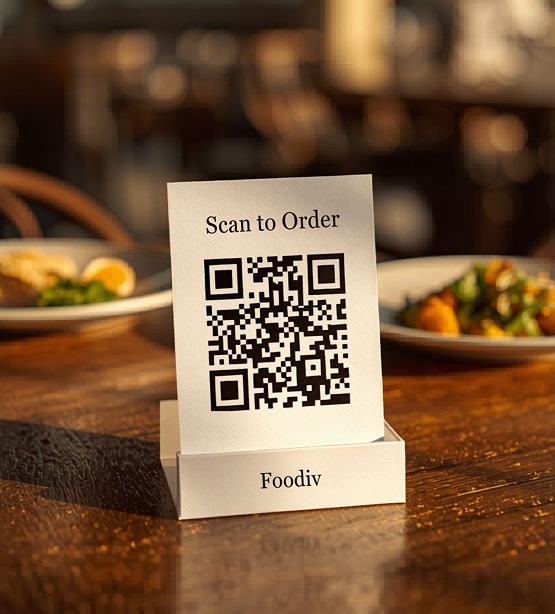
You can create a QR code menu and place it on the table as table tens or table inserts.

On restaurant windows

On restaurant windows

Create a digital QR code menu and place it on the window and wall so your customers can download the menu when they enter your restaurant, not the table.

On delivery vehicles

On delivery vehicles

You can slow-place the printed QR code menu on your delivery vehicles so people can access it right from their phones.

On food packaging

On food packaging

Are you delivering food to your customers? Don’t forget to add a QR code menu on food packaging.

As Paper Menu

As Paper Menu

Paper menus are equally crucial as many consumers don’t use smartphones; they cannot access the QR code. Hence, a paper menu will help them with instant access to menu items.

Flyers

Flyers

Do you want to provide a QR code menu to your customers inside and outside your restaurant? Create and add flyers with a QR code menu.

Business Card

Business Card

Business cards can help you retain customers. For example, they can help your existing customers explore from home and even order food online.

How to Create QR Code Menu with Foodiv QR Code Menu Builder

It’s easy to process. With the builder powered by Foodiv, you need only four steps to create a QR code menu. Let’s explore the steps.

QR Code Menu with Foodiv QR Code Menu Builder
  • Step #1

    Add the list of menu items to the Foodiv QR Code Builder

  • Step #2

    You will get redirected to the next screen, where you will see a range of restaurant menu templates; choose the one that best fits your restaurant branding

  • Step #3

    Now, you will get the QR code for your menu; customize the QR code using different colors and frame

  • Step #4

    Test the QR code on your smartphone, and if everything is perfect, share it with customers

Why Choose Foodiv’s QR Code Menu Builder

With a quality QR code menu, you can save the tremendous costs you spend on managing your customers. For example;

Save Time

QR code menus can help your customers choose food on their smartphones without waiting for the bartender to attend to them. This will save time for both your customers and restaurant staff.

Safe $500 on Printing Costs

If you have 10 tables, you need at least 20 to 30 paper menus, but QR codes can replace all those and help you save $500 per year on printing costs.

Increase Sales by 30%

When you replace the QR code menu with a self-ordering option, your customers can order themselves. This will not only boost efficiency but also increase table turnover by 30%.

Boosts Online Food Orders by 40%

You can increase revenue by boosting your online orders. According to our findings from our clients, they have recorded a 40% increase in online orders.

Why Choose Foodiv’s QR Code Menu Builder

FAQ About QR Code Menus for Restaurants

What is a QR code menu for a restaurant?
A QR code menu for a restaurant is a digital menu that guests open by scanning a code with their phone. It lets customers view food items, prices, descriptions, and images without using a printed menu.
How does a menu QR code work?
A menu QR code works by linking the code to a digital restaurant menu. When a guest scans it with their smartphone camera, the menu opens instantly on the screen, making it easy to browse items and place an order.
Can customers order from a QR code menu?
Yes, customers can order from a QR code menu when the system includes ordering features. A basic QR code menu may only show the menu, while a QR code menu ordering system lets guests select items, add them to the cart, and place the order from their phone.
What is a QR ordering system for restaurants?
A QR ordering system for restaurants is a digital setup that allows guests to scan a QR code, open the menu, choose items, and send the order directly to the restaurant. It helps reduce manual order taking and makes service faster and more organize.
Can a QR code menu connect to POS?
Yes, a QR code menu can connect to POS when the restaurant uses a platform that supports integration. This helps send customer orders into the restaurant workflow more efficiently and supports smoother order management.
Do QR code menus replace printed menus?
QR code menus can reduce the need for printed menus, but they do not always replace them completely. Many restaurants use both options so guests can choose what works best for them.
Is QR code restaurant ordering good for dine in service?
Yes, QR code restaurant ordering works well for dine in service because it helps guests view the menu quickly, place orders faster, and reduce wait time. It also helps staff manage busy hours more efficiently.

Our Blog

article

How to Use QR Codes in Your Restaurant to Improve Orders, Speed, and Revenue

A QR code in a restaurant lets customers scan with their phone to open a digital menu, place an order, pay at the table, or unlock a special offer. Restaurants use it to speed up service, reduce ordering mistakes, and make daily operations easier for both staff and customers. Restaurants are always looking for simple ways to serve faster, reduce pressure on staff, and create a better customer experience. That is exactly why QR codes...

article

Contactless Dining: Everything Restaurants Need to Know

Contactless dining is a modern dine‑in experience where diners can view the menu, place their order, and complete payment without touching shared surfaces or exchanging items with staff. Guests simply scan a QR code or use their phone to access the full menu, select items, and make payment. This process gives diners more control over their experience. This method gained popularity during the COVID‑19 pandemic when restaurants turned to touch‑free services to protect public health....

article

What makes the QR Code Menu the backbone of Restaurant?

The world has seen worse times due to the advent of the pandemic in the past couple of years. Though things are getting somewhat better, you cannot be sure whether times can’t go worse again. Such circumstances necessitate careful treading in terms of how you engage in your daily chores. Everything needs careful observation and behavioral changes. Every industry needs to follow certain restrictions and adapt to new rules. The hotel industry is one which...