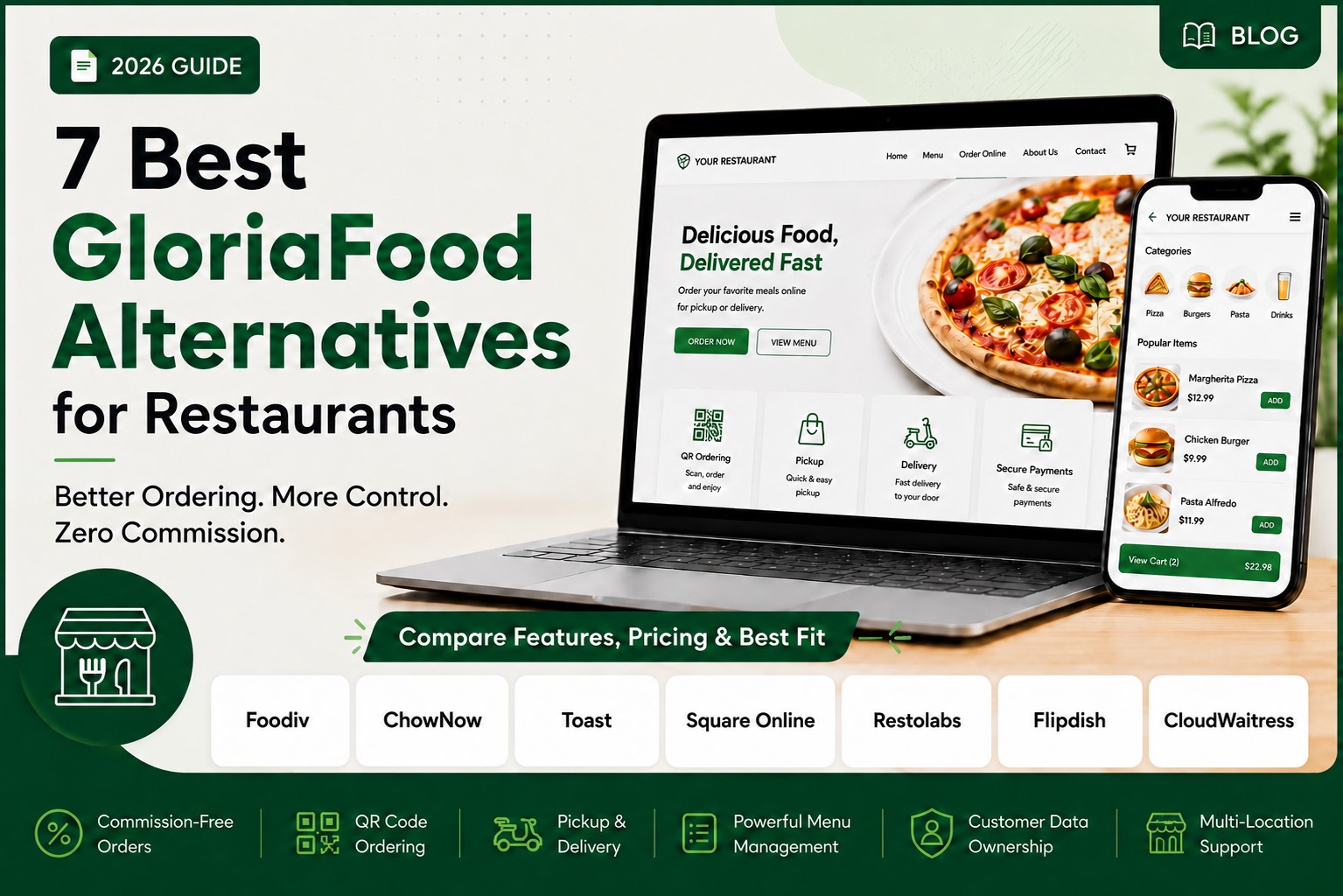
Choosing a GloriaFood alternative is not just about finding another online ordering tool.
Here’s the thing. Your ordering system touches almost every part of your restaurant’s daily workflow. It affects how customers place orders, how your staff handles them, how your menu appears online, how delivery rules work, and how much control you have over customer data.
So before you switch, you need to ask the right questions.
The goal is not to choose the platform with the longest feature list. The goal is to choose a system that keeps your orders running smoothly, protects your customer relationships, handles your menu properly, and makes life easier for your team during busy hours.
What Should You Ask Before Choosing a GloriaFood Alternative?
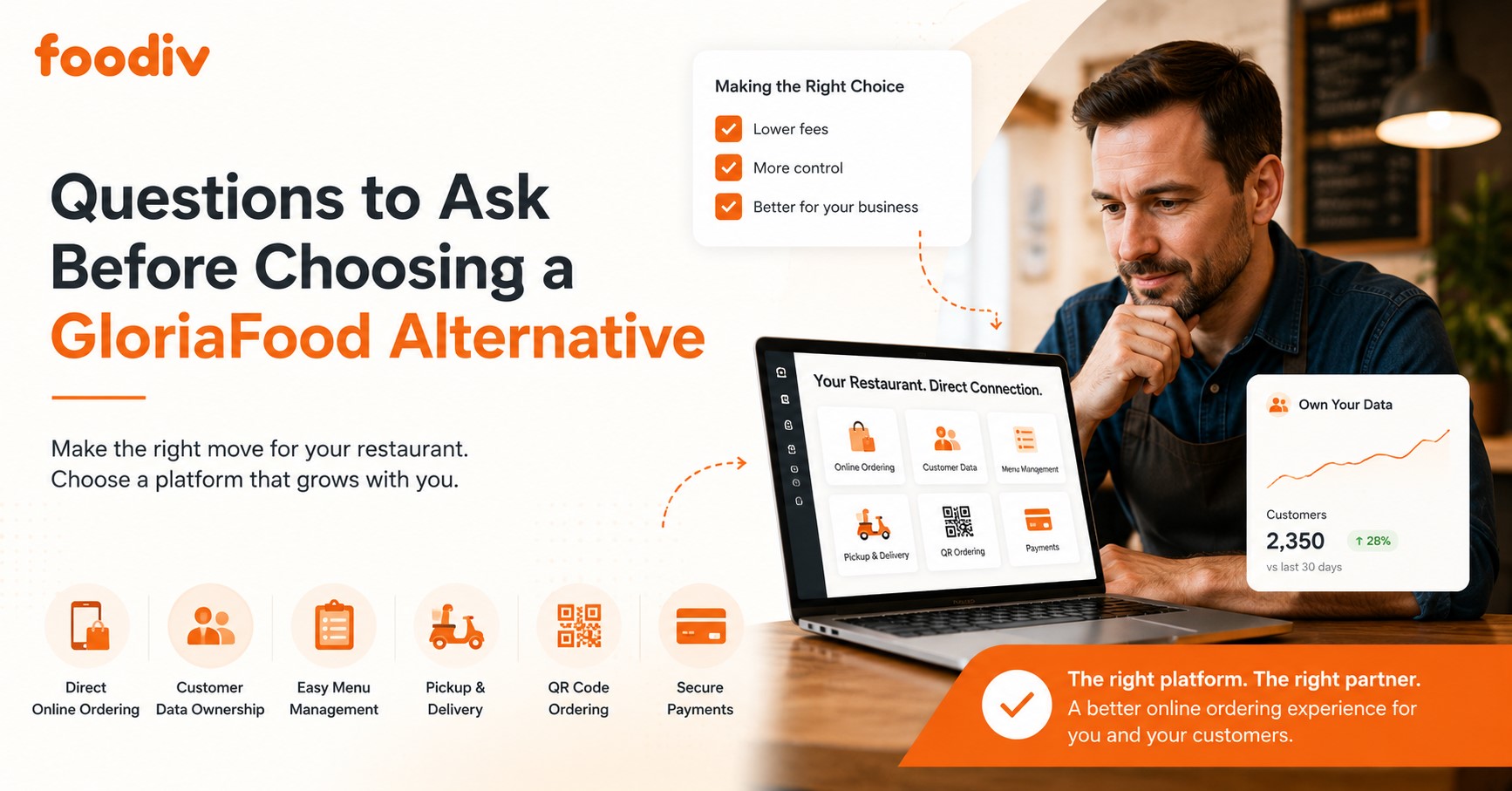
Before you choose a GloriaFood alternative, ask questions that protect your restaurant from order issues, hidden costs, menu problems, and customer data loss. A good replacement should not only take online orders. It should fit your real workflow, from menu setup to payments, delivery, pickup, and staff handling.
Ask these questions first:
- Can I migrate my existing GloriaFood menu easily?
- Will my restaurant own the customer data?
- Is the platform commission-free, or will I pay per order?
- Does it support pickup, delivery, and QR code ordering?
- Can I manage modifiers, add-ons, sizes, combos, and item availability?
- Does it support online payments through trusted payment gateways?
- Can my staff learn and use the order dashboard without confusion?
- Is the pricing clear, or are there setup fees, transaction fees, and hidden charges?
- Does the support team help with migration, setup, testing, and launch?
Why These Questions Matter Before Switching from GloriaFood
Switching from GloriaFood is not just a software change. It can affect your orders, menu setup, customer data, delivery rules, staff workflow, and revenue. That is why the right questions matter before you move.
- GloriaFood discontinuation creates urgency.
Many restaurants are now looking for a new online ordering system. But urgency should not lead to a rushed decision. You still need to check whether the new platform can handle your restaurant’s real needs.
- Migration can go wrong without planning.
Moving your menu, delivery settings, payment setup, and website order button takes care. If the migration is messy, your restaurant may face order errors, missing items, or delays during launch.
- Restaurant menus are more complex than they look.
Your menu is not just item names and prices. It includes modifiers, add-ons, sizes, toppings, combos, taxes, prep times, availability, and special instructions. The new system should handle all of this properly.
- Customer data should stay with your restaurant.
Your customer list, order history, phone numbers, emails, and repeat order patterns are valuable. If a platform limits your access to this data, you lose control over future marketing and customer relationships.
- Revenue protection matters.
Some platforms look affordable at first, but commissions, setup fees, payment charges, and per-location costs can add up. Ask about pricing clearly before you switch.
- Your staff needs time to adjust.
A new dashboard can slow down your team if it feels confusing. The right GloriaFood alternative should make it easy for staff to accept orders, update items, manage availability, and check customer notes.
- The wrong platform can cost more later.
If you choose a system that does not fit your workflow, you may need to switch again. That means more setup time, more training, more menu work, and more disruption.
- Downtime can hurt orders.
Even a few hours of broken online ordering can lead to lost sales. A good migration plan should include testing, staff training, and a clear launch process before you fully move away from GloriaFood.
Here’s the thing. The best GloriaFood alternative is not the one that simply replaces your order button. It is the one that protects your daily operations, keeps orders moving, gives you control over data, and helps your staff work without extra pressure.
15 Questions to Ask Before Choosing a GloriaFood Alternative
Before you choose a GloriaFood alternative, slow down and ask the questions that actually affect your restaurant’s daily work. A platform may look good on the surface, but the real test is simple. Can it handle your menu, orders, customers, staff, payments, and delivery flow without creating extra problems?
Let’s break it down.
1. Does the Platform Support Direct Online Ordering?
Direct online ordering should be one of the first things you check. Your restaurant needs a system that lets customers order from your own website, not only through third-party apps or marketplaces.
This matters because direct orders give you more control over the customer experience. You can guide customers to your menu, accept orders on your own terms, and reduce dependence on platforms that take a large share from each sale.
Look for:
- Online ordering from your restaurant website
- A clear order button or ordering link
- Pickup and delivery order options
- Mobile-friendly ordering flow
- Customer details shared with your restaurant
- Easy order notifications for staff
If the platform does not support direct ordering properly, it may not be a true GloriaFood replacement.
2. Is It Commission-Free?
Commission fees can quietly reduce your profit. Some platforms charge a percentage on every order. That may look small at first, but it adds up quickly when your online orders grow.
Here’s the thing. Restaurants already deal with food costs, staff costs, rent, packaging, and delivery expenses. Paying extra commission on every direct order can hurt your margin.
Ask:
- Does the platform charge commission per order?
- Is there a fixed monthly fee instead?
- Are there transaction fees apart from payment gateway charges?
- Does pricing change as order volume increases?
- Are pickup and delivery orders priced differently?
A commission-free GloriaFood alternative is usually better for restaurants that want to keep more revenue from their own customers.
3. Can I Migrate My GloriaFood Menu Without Rebuilding Everything?
Menu migration can become painful if the new platform does not support proper setup. Your GloriaFood menu may include categories, items, prices, images, modifiers, toppings, sizes, taxes, and delivery rules.
If you need to rebuild everything manually, the switch will take more time. It also increases the chance of missing items, wrong prices, and order mistakes.
Check whether the platform can help you move:
- Menu categories
- Food items and descriptions
- Prices
- Images
- Add-ons and modifiers
- Item availability
- Taxes and fees
- Delivery and pickup settings
A good migration process should save time and reduce errors. It should not leave your team guessing what to move next.
4. Does It Support Modifiers, Add-Ons, Sizes, and Combos?
A restaurant menu is rarely simple. A pizza shop may need sizes, crust options, toppings, extra cheese, and combo meals. A cafe may need milk choices, syrup add-ons, cup sizes, and availability rules.
So before choosing a GloriaFood alternative, check how deeply it handles menu customization.
Look for support for:
- Item sizes
- Required modifiers
- Optional add-ons
- Toppings
- Combo meals
- Meal upgrades
- Quantity limits
- Price changes based on options
- Item availability by time or day
This is important because customers should place accurate orders without calling your staff for clarification. Your system should guide them clearly.
5. Will I Own My Customer Data?
Customer data is one of the most valuable parts of online ordering. Your restaurant should know who ordered, what they ordered, how often they return, and how you can reach them again.
If a platform hides customer data or controls access to it, you lose a big advantage.
Ask clearly:
- Can I see customer names, emails, and phone numbers?
- Can I access order history?
- Can I export customer data?
- Can I use customer data for remarketing?
- Who owns the customer relationship?
What this really means is simple. If customers order directly from your restaurant, your restaurant should own that relationship.
6. Can I Manage Pickup and Delivery Settings?
Pickup and delivery rules affect daily operations. If the new system gives you limited control, your team may struggle with wrong delivery areas, missed pickup times, or unrealistic prep time.
A good GloriaFood alternative should let you control how and when customers can order.
Check for:
- Pickup time slots
- Delivery zones
- Delivery fees
- Minimum order value
- Prep time settings
- Scheduled orders
- Holiday hours
- Temporary store closing
- Delivery availability by location
This matters because every restaurant works differently. A busy pizza shop, a cloud kitchen, and a fine-dining restaurant do not need the same order rules.
7. Does It Support QR Code Ordering?
QR code ordering can help restaurants accept dine-in orders without adding pressure on staff. Customers can scan a QR code, view the menu, and place orders from the table.
This is useful for restaurants, cafes, food courts, bars, and quick-service businesses.
Ask whether the platform supports:
- Table QR codes
- Dine-in ordering
- Menu viewing by QR
- Order sending to staff
- Table number tracking
- Online payment for dine-in orders
- Easy QR code printing
QR ordering is not required for every restaurant, but it is useful if you want to reduce manual order-taking and speed up table service.
8. What Payment Methods Are Supported?
Your ordering system should make payments simple for customers and manageable for your restaurant. If payment options are limited, customers may abandon the order before checkout.
Ask what payment methods the GloriaFood alternative supports.
Look for:
- Credit cards
- Debit cards
- Stripe
- PayPal
- Cash on delivery
- Pay at pickup
- Digital wallet support
- Local payment options if needed
Also check payment settlement. You should know when the money reaches your account and whether the platform takes any extra fee.
9. Is the Ordering Page Mobile-Friendly?
Most customers place food orders from their phones. If your ordering page feels slow, crowded, or confusing on mobile, you will lose orders.
The mobile ordering flow should feel simple from start to finish.
Check:
- Does the menu load quickly on mobile?
- Are items easy to browse?
- Can customers select modifiers without confusion?
- Is the checkout process short?
- Are pickup and delivery options clear?
- Does payment work smoothly on mobile?
- Does the page look good on different screen sizes?
A mobile-friendly ordering page helps customers complete orders without calling your restaurant for help.
10. Can I Connect It to My Restaurant Website?
A GloriaFood alternative should work well with your existing restaurant website. Your website is often the main place customers visit after searching your brand on Google.
The ordering system should make it easy to add an order button, menu link, or embedded ordering page.
Ask:
- Can I add an order button to my website?
- Can I use my own domain or subdomain?
- Can the ordering page match my restaurant brand?
- Can I add links to Google Business Profile and social media?
- Will support help with website setup?
- Can customers order without leaving a confusing third-party page?
Your website should become a sales channel, not just a digital brochure.
11. Does It Support Multi-Location Restaurants?
If you run more than one location, you need more than a basic ordering page. Each branch may have different menus, hours, delivery zones, prices, taxes, and staff users.
A good GloriaFood alternative should support this without forcing you to manage everything manually.
Check for:
- Separate location settings
- Different menus by branch
- Different prices by location
- Branch-wise delivery zones
- Location-specific pickup hours
- Central dashboard
- Staff roles
- Location-wise reporting
This is important for restaurant groups, franchises, cloud kitchens, and growing food businesses.
12. How Simple Is the Order Dashboard for Staff?
Your staff will use the dashboard during real service hours. That means the system must feel clear, fast, and easy to understand.
A confusing dashboard can slow down your team and create order mistakes.
Ask:
- Can staff accept or reject orders quickly?
- Are new orders easy to notice?
- Can staff update order status?
- Can they see customer notes clearly?
- Can they mark items unavailable?
- Does the system send alerts?
- Does it work well during busy hours?
Your team should not need heavy training just to handle basic orders. The dashboard should make their work easier.
13. What Reports and Customer Insights Do I Get?
Reports help you understand what is working. Without reports, you only know that orders are coming in. You do not know which items sell best, when customers order most, or which locations perform better.
Ask what insights the platform gives you.
Useful reports include:
- Total online orders
- Revenue reports
- Best-selling items
- Customer order history
- Pickup vs delivery orders
- Location-wise performance
- Repeat customer data
- Order trends by day or time
These insights help you make better decisions about menus, offers, staffing, and marketing.
14. What Support Is Available During Migration?
Migration support matters a lot when you move from GloriaFood. Your team may need help with menu setup, payment settings, delivery zones, QR codes, website buttons, and test orders.
Do not only ask whether support exists. Ask what support actually includes.
Check:
- Do they help move the menu?
- Do they help set up modifiers and add-ons?
- Do they support payment setup?
- Do they help connect the system to your website?
- Do they test orders before launch?
- Do they train your staff?
- Can you reach support after launch?
Good support can make the difference between a smooth switch and a stressful one.
15. Is the Pricing Clear, or Are There Hidden Costs?
Pricing should be easy to understand before you commit. Some platforms look affordable at first, but the final cost may include setup fees, commission, payment fees, add-on charges, or per-location costs.
Ask for the full pricing picture.
Check:
- Monthly subscription cost
- Setup fee
- Migration fee
- Commission per order
- Payment processing fee
- Branded app cost
- Website setup cost
- Multi-location pricing
- Support charges
- Contract length
The best GloriaFood alternative should make pricing clear from the start. You should know what you are paying for, what costs extra, and whether the platform still makes sense as your order volume grows.
Red Flags to Avoid
Not every GloriaFood alternative will fit your restaurant. Some platforms may look fine during the demo but create problems once your team starts using them every day.
Watch out for these red flags:
- No clear migration support
If the platform does not help you move your menu, settings, and order flow, your team may spend too much time rebuilding everything manually.
- No customer data access
Your restaurant should have access to customer names, phone numbers, emails, and order history. If the platform controls that data, you lose a valuable business asset.
- High commission fees
A small commission per order can become expensive as online orders grow. Check this before you commit.
- Weak modifier setup
If the system cannot handle toppings, sizes, add-ons, combos, and special instructions properly, your staff may face more order mistakes.
- No delivery zone control
Restaurants need control over delivery areas, fees, minimum order values, and delivery availability. Without this, your team may receive orders you cannot fulfill.
- No QR ordering
QR ordering may not matter for every restaurant, but it is useful for dine-in, cafes, quick-service restaurants, and food courts. If you need table ordering, check this early.
- No clear pricing
Avoid platforms that hide setup fees, transaction charges, support costs, or per-location pricing. You should know the full cost before you switch.
- No support during setup
If support disappears after signup, migration can become stressful. You need help during setup, testing, staff training, and launch.
- No mobile-friendly ordering page
Most customers order from their phones. If the ordering page feels slow or confusing on mobile, you may lose sales.
- No multi-location control
If you run more than one branch, the platform should support different menus, prices, hours, delivery zones, and reports for each location.
Final Verdict
The best GloriaFood alternative is not the one with the longest feature list. It is the one that keeps your orders running, protects your customer data, supports your menu structure, and makes the switch easier for your team.
Before you choose, look at the details that affect daily operations. Can the platform handle your modifiers, delivery zones, pickup rules, QR ordering, payments, and staff workflow? Can it help you migrate without rebuilding everything from scratch? Can your restaurant keep full control over customer data?
For restaurants that want direct website ordering, commission-free orders, QR ordering, pickup and delivery management, and better menu control, Foodiv is a strong overall choice. It gives restaurants the tools they need to move from GloriaFood without adding more pressure to daily operations.
Here’s the thing. A good replacement should not make your restaurant adapt to the software. The software should fit the way your restaurant already works.