

Takeaway Ordering System | Commission Free Solution - Foodiv
Video Demo

Essential Features of Takeaway Ordering System

Sell more with our online Takeaway Delivery System by allowing curbside pickup options in your delivery services. Get all the features to make orders successful and satisfying for your customers.

User Panel

  • Login

    Sign up and log in to the Takeaway Delivery System with an email or social credentials.

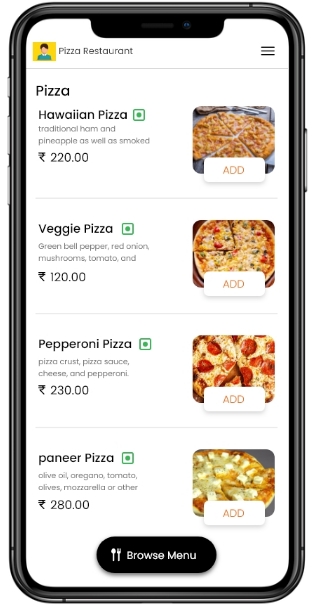
  • QR Code Menu

    Access and browse the menu with a QR code to explore the variety of cuisines and restaurant offerings.

  • Place/ Schedule/ Reorder/ Cancel Orders

    Place an order for immediate delivery or schedule for later. Reorder or cancel an order easily

  • Promo Discounts

    Stay notified, avail yourself of the different offers and discounts on the takeaway ordering solution, and save money.

  • Review/Feedback

    Share your experiences and opinions on the restaurant services in the feedback section of the online ordering tool.

  • Online Payment

    Pay for your food orders easily and securely through various payment services such as digital wallets, credit/debit cards, PayPal, etc.

Store Panel

  • Create Profile

    Create your restaurant profile by adding names, locations, operating hours, images, etc.

  • Analytics

    Get insights into your business analytics and see daily/weekly/ monthly, or yearly summaries of total earnings and expenses.

  • Manage Menu

    Create and modify the online takeaway menu by adding or editing items and prices for different days.

  • Manage Inventory

    Keep track of the stock in your restaurant with online ordering software so that you are always ready with stock for any order.

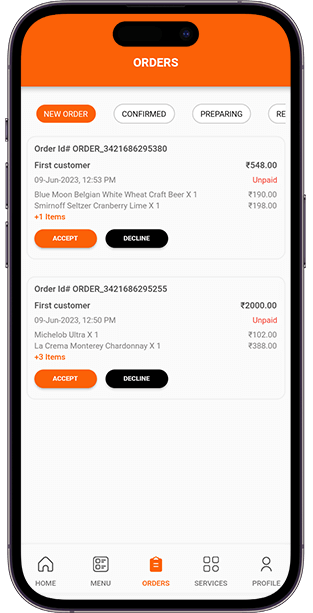
  • Manage Orders

    Online ordering solutions make it easy for restaurant owners to receive and manage orders and boost their sales.

  • Manage Promotions

    Get more customers to order from your restaurant by offering promotional discounts and offers on the online ordering platform.

Takeaway Ordering System and Benefits

  • Safe Delivery

    People concerned about the safety and hygiene of home deliveries can be relieved. They can place online orders and pick them up from the restaurant for safety.
  • Efficient Customer Management

    With our saas-based takeaway ordering system, restaurant owners can gather customer data like their tastes and preferences. They can customise the menu based on their choices.
  • Monitor Expenses in real-time

    Keep track of the daily expenses of the business in real-time with the readymade takeaway ordering software. The software gives an accurate monetary translation of the orders and costs incurred.
  • Cost-effective Marketing

    With an online takeaway ordering system, you can serve your customers 24/7. You can market your business digitally without expensive media advertising and billboards.
  • Convenience of ordering

    Customers can order their food online without stepping out of their homes. They can conveniently browse the online menu and place orders using their smartphones at any time of the day.
  • Greater Customer reach

    With an online takeaway ordering system, restaurant owners can reach out to many people. They can promote their business on social media platforms to increase visibility and boost sales.

Takeaway Delivery Options

With the online ordering system for takeaway, restaurant owners can offer three different types of takeaway deliveries:

At the restaurant counter

Mention the order ID and first name to receive the parcel.

Outside the restaurant

Customers can call the restaurant after arriving outside to receive the food parcel.

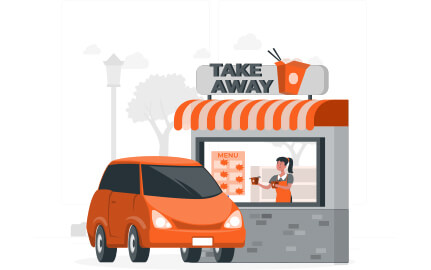
Curbside Pickup

Customers have to insert the car model and colour in the comments field. When they arrive, they have to call the restaurant, and a runner will hand over the parcel to the car.

Interested in integrating the Takeaway ordering system into your restaurant?

Contact now and start taking orders with our saas-based takeaway ordering system within 5 minutes.

FAQs For Online Takeaway Ordering System

What is a restaurant takeaway system?
A restaurant takeaway system is an online ordering process that enables customers to pick up their food parcels on their own. Customers receive the notification for pickup once the order is ready.
How does the software notify customers of pick-up?
The online ordering solution sends push notifications, email, and SMS notifications.
Does the system support contactless ordering?
Yes, we offer a QR code menu so that customers can browse the menu by scanning the QR code and place orders.
I am a non-technical person. Can I handle the takeaway ordering system?
Yes, sure. Our online takeaway solutions are completely user-friendly, and there is a need for a technical background to operate them.
I don't have a huge amount for initial investment? Can you help?
Of course. You don't need to invest thousands of dollars initially. You can use our saas-based takeaway ordering delivery system for a minimal monthly subscription fee.

Our Blog

article

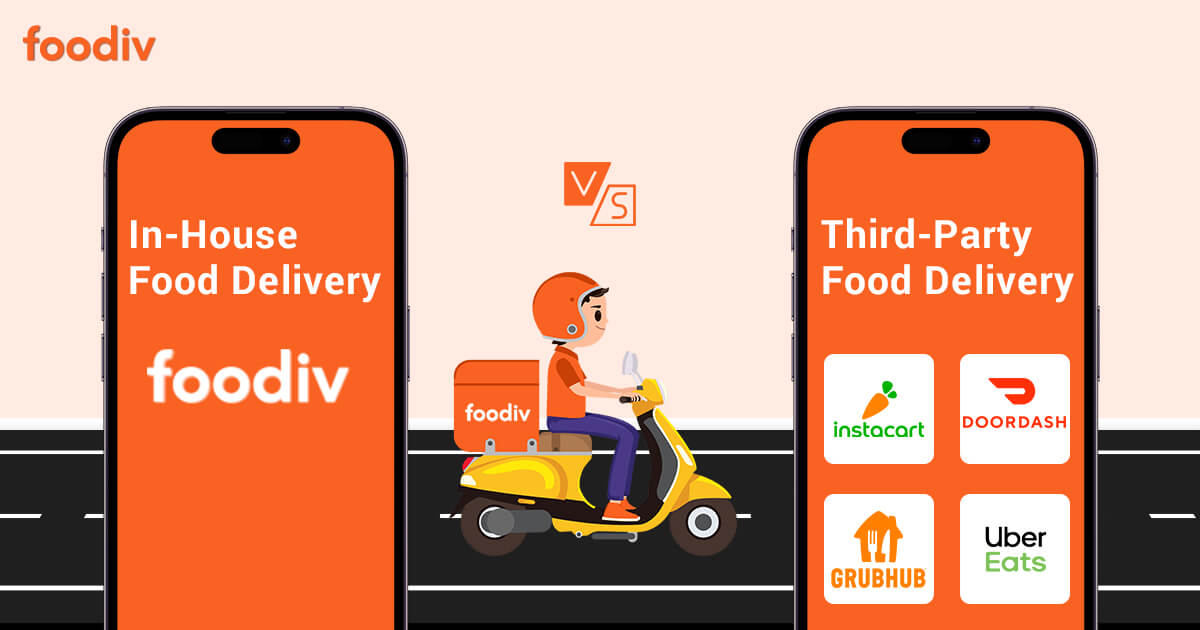
In-House V/S Third-Party Food Delivery System: Which Is Best For Restaurant?

Quick Summary: Modern restaurants have flexible options to use third-party delivery apps or in-house online ordering systems —thanks to digital transformation. But, while third-party delivery apps are proving to be a boon for established and large restaurants or restaurant chains, it is killing local and small restaurants (especially the one that has recently started). So, many restaurant owners, be they large, medium, or small, are concerned if they should go with third-party delivery services or...
article

6 Best Hyperzod Alternatives for Restaurants in 2026

  Foodiv, Onfleet, ChowNow, CloudWaitress, Yelo, and Flipdish are six of the best Hyperzod alternatives for restaurants in 2026. Foodiv is the best all-around option for restaurants that want commission-free direct ordering, QR ordering, pickup, delivery, and restaurant management tools in one platform. Onfleet focuses on route planning and driver management, while ChowNow suits independent US restaurants.CloudWaitress is a simpler option for restaurants that want to take online orders and reservations without paying for a...

article

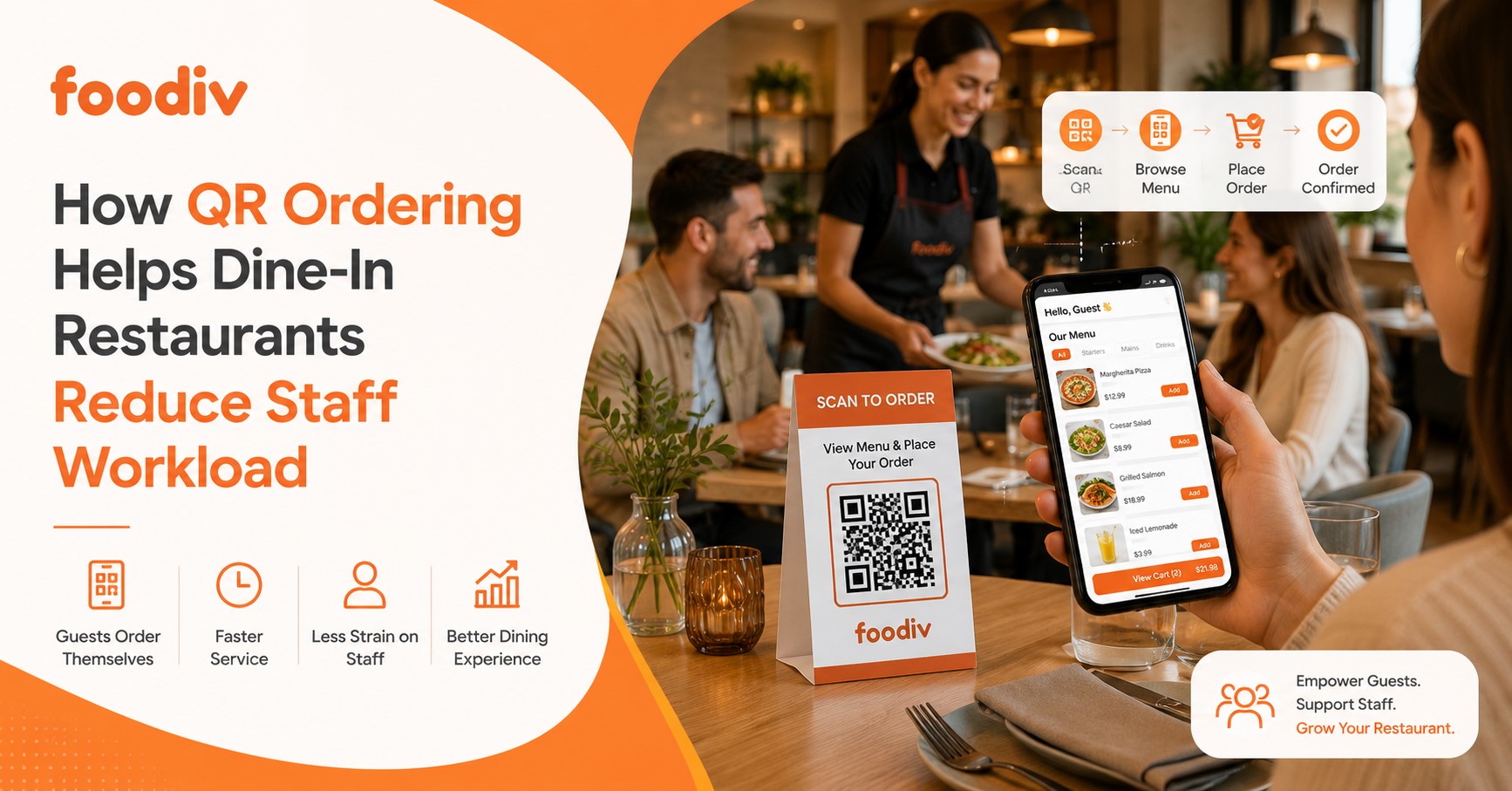
How QR Ordering Helps Dine-In Restaurants Reduce Staff Workload

Running a busy dine-in restaurant means your staff are constantly moving. Servers take orders, walk back to the POS, enter items, return for reorders, answer the same menu questions, and handle payments. During peak hours, those small tasks add up fast. QR ordering helps dine-in restaurants reduce staff workload by letting guests scan a table QR code, view the menu, place orders, reorder, and sometimes pay from their phones. When the system connects with the...