Running a restaurant today involves far more than food and service. Orders arrive from multiple channels. Staff schedules shift constantly. Inventory needs close tracking. All of it happens at once. Managing these moving parts with manual processes quickly creates confusion and delays.
Most restaurants did not plan for this level of complexity. It developed gradually as operations expanded and customer behavior changed. What once worked with paper notes or spreadsheets no longer keeps pace. This is where restaurant software becomes essential to day-to-day restaurant operations.
Customer expectations continue to rise. Speed, accuracy, and consistency are no longer optional. At the same time, margins remain under pressure. Small mistakes add up quickly. Missed orders, poor cost visibility, or slow service directly impact profitability.
Modern restaurant management depends on systems that bring structure and clarity to daily work. Restaurant software is not about adding more tools. It is about simplifying operations, improving control, and helping restaurants run smoothly as they grow.
What Is Restaurant Software?
Restaurant software refers to the tools restaurants use to manage daily work without relying on manual processes. It helps handle common tasks like taking orders, managing staff, tracking inventory, and keeping an eye on performance. Instead of juggling paper, spreadsheets, or disconnected apps, everything runs through systems built for real restaurant operations. Some tools focus on one specific job, while others combine multiple functions into a single platform.
Core functions typically include
- Managing orders and payments
- Scheduling staff and supporting payroll tasks
- Tracking inventory and food costs
- Viewing reports to understand daily performance
Types of Restaurant Software Every Restaurant Should Know
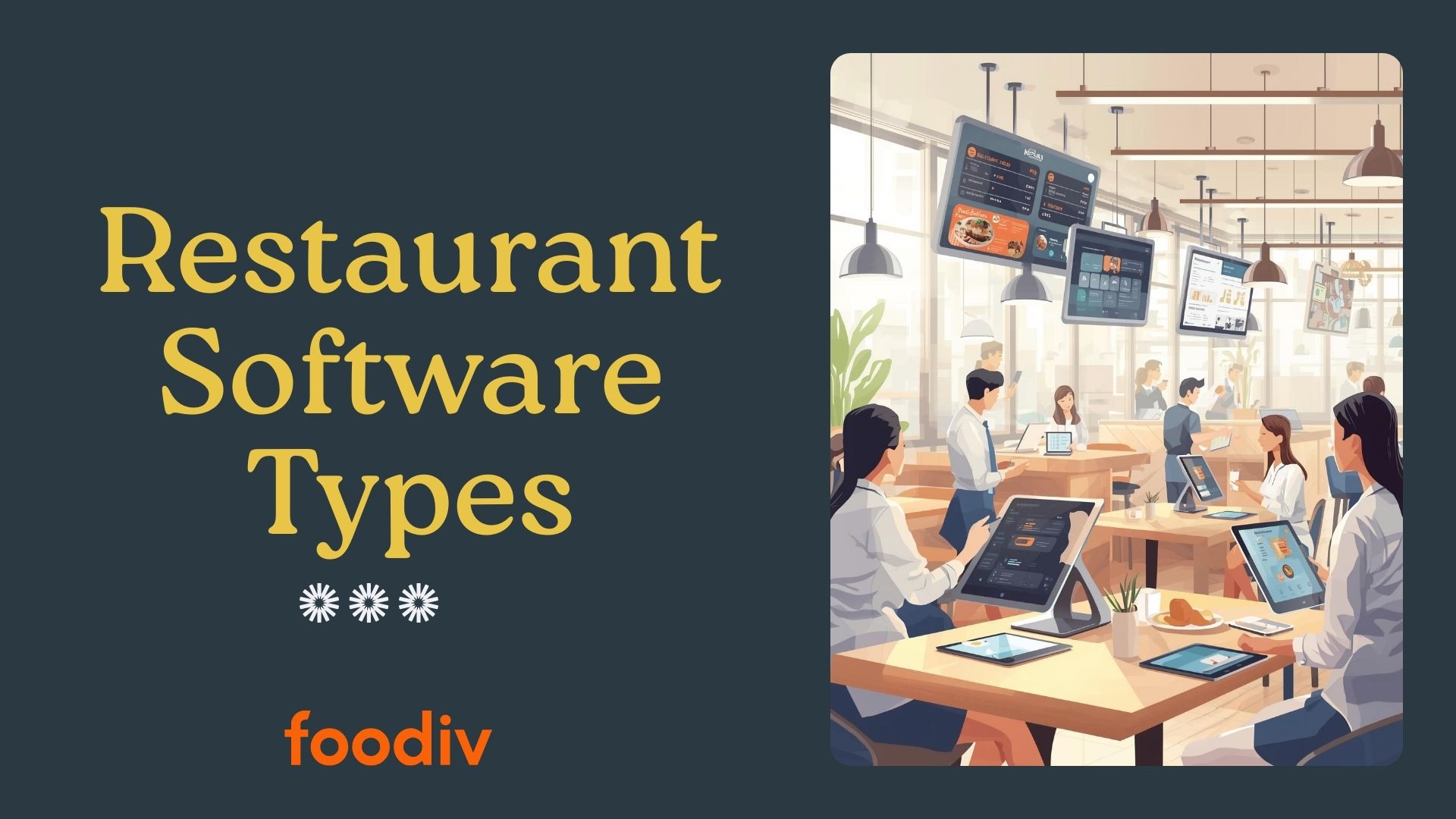
Most restaurants do not run on a single piece of software. They use several tools together, each handling a different part of the operation. One system takes orders. Another manages inventory. Another handles staff and finances. Each exists for a reason, because each solves a specific problem that shows up in daily restaurant work.
When these systems are chosen carefully and work well together, operations feel manageable. When they are missing or disconnected, small issues start piling up. Below are the core restaurant software types most successful restaurants rely on.
Point of Sale (POS) Software
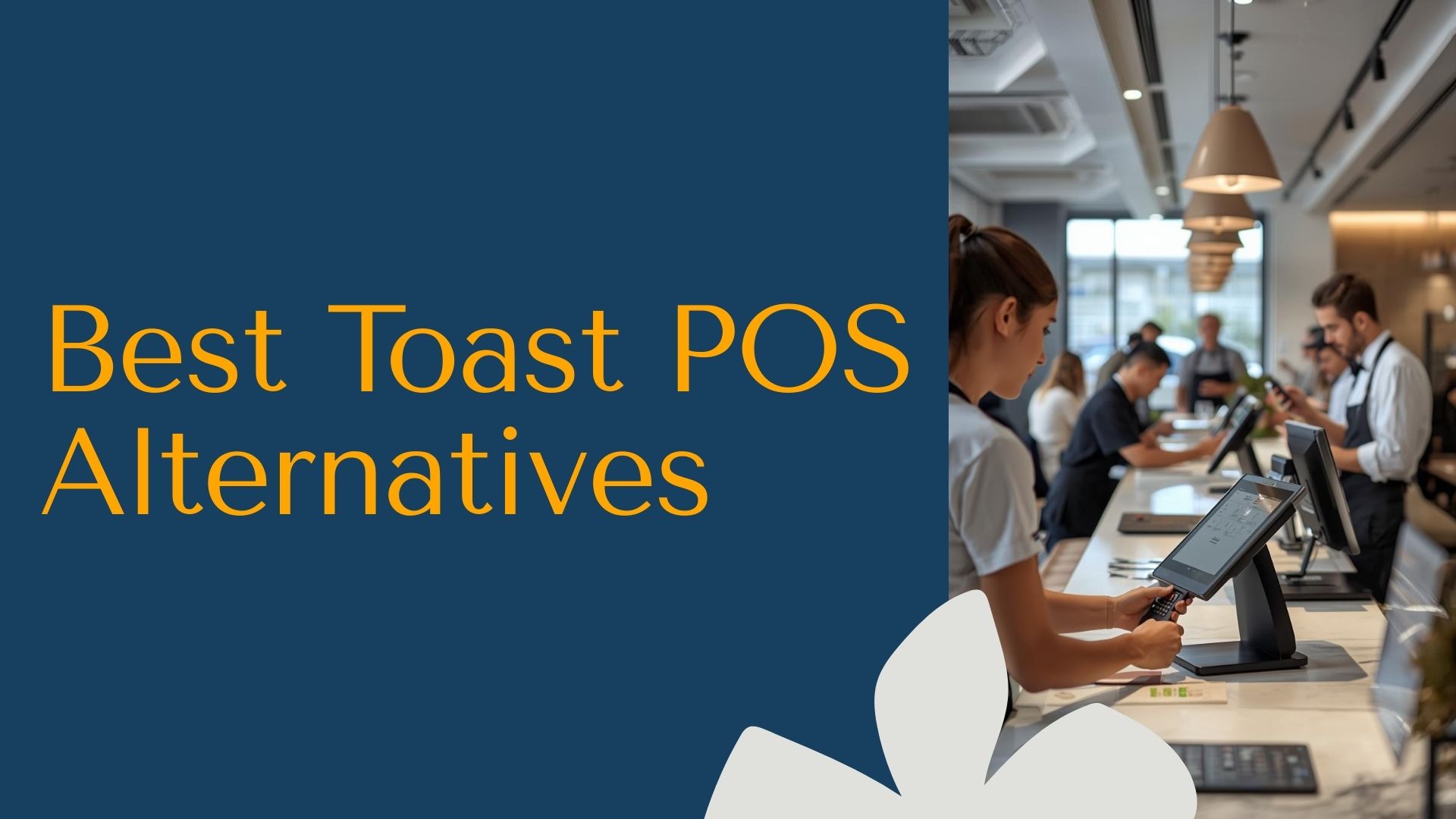
Restaurant POS software is where the day really starts. Every order passes through it. Every payment is recorded there. Because of that, the point of sale system for restaurants becomes the foundation for almost everything else.
A POS does more than ring up orders. It creates a reliable record of what was sold, when it was sold, and how it was paid for. That information later drives inventory counts, staff reports, and financial tracking. If the POS is slow or inaccurate, those problems tend to spread quickly.
Key functions include
- Taking orders for dine in, pickup, and delivery
- Processing payments and managing bills
- Recording sales by item, shift, or time period
- Providing reports that show sales patterns
Online Ordering Software
An online food ordering system for restaurants allows customers to order directly from the restaurant instead of relying only on third party platforms. This shift matters more than it might seem at first.
Restaurant online ordering software gives restaurants control. Menus can be updated instantly. Pricing stays consistent. Customer data stays with the business. It also supports how people actually order today, whether that is pickup, delivery, or ordering from a phone at the table.
Key functions include
- Direct ordering through websites or QR menus
- Full control over menus and availability
- Support for pickup, delivery, and scheduled orders
- Access to customer order history
Inventory Management Software
Restaurant inventory management software helps answer a simple but important question. What do we actually have on hand right now? Inventory tracking for restaurants replaces estimates and manual counts with clearer, real time information.
As orders are placed, inventory levels adjust. This makes it easier to spot waste, avoid over ordering, and understand food costs without constant manual checks. Over time, it helps restaurants make smarter purchasing decisions based on real usage.
Key functions include
- Tracking ingredients and stock levels in real time
- Alerts for low stock and reorder needs
- Waste and usage tracking
- Cost visibility linked to menu items
Kitchen Display System (KDS)
A kitchen display system replaces paper tickets with digital order screens. Restaurant kitchen software helps kitchens stay organized when the pace picks up and orders start stacking.
Orders move straight from the POS to the kitchen screen. There is no handwriting to interpret and no paper tickets to lose. This improves accuracy and helps the kitchen focus on preparation instead of sorting through orders.
Key functions include
- Digital order displays for kitchen teams
- Real time order updates and routing
- Faster preparation during busy service
- Clear communication between front and back of house
Employee Scheduling and Payroll Software
Employee scheduling software for restaurants helps managers plan shifts without relying on spreadsheets or last minute changes. When paired with restaurant payroll software, it also simplifies tracking hours and processing payroll.
Labor is one of the biggest expenses in a restaurant. Having clear schedules and accurate payroll data helps control costs and reduces errors that often come from manual calculations.
Key functions include
- Shift scheduling based on availability and demand
- Tracking hours worked by role or shift
- Payroll calculations and compliance support
- Less time spent on manual HR tasks
Accounting and Back Office Software
Restaurant accounting software focuses on understanding where money is coming from and where it is going. Back office restaurant software pulls together sales, expenses, and payments into a single financial view.
Instead of stitching reports together from multiple systems, managers can see clear numbers in one place. This makes it easier to track performance, manage cash flow, and plan ahead.
Key functions include
- Expense tracking and categorization
- Sales reconciliation across channels
- Profit and loss reporting
- Support for budgeting and financial planning
Reservation and Table Management Software
A restaurant reservation system helps manage dine in traffic without overwhelming staff or space. Table management software keeps track of table availability and guest flow throughout service.
This reduces long waits and improves the overall dining experience. It also helps staff prepare better for busy periods instead of reacting at the last minute.
Key functions include
- Online reservations and booking control
- Real time table status tracking
- Shorter wait times during peak hours
- Better coordination between service teams
Customer Relationship and Loyalty Software
Restaurant CRM software helps restaurants remember their guests. Customer loyalty software for restaurants focuses on turning repeat visits into long term relationships.
By tracking visit history and preferences, restaurants can offer more relevant rewards and communication. Over time, this builds familiarity and encourages customers to come back more often.
Key functions include
- Guest profiles and visit history
- Loyalty programs and reward tracking
- Personalized offers and follow ups
- Increased repeat visits and retention
How These Restaurant Software Types Work Together
On their own, each piece of restaurant software does a specific job. The real difference shows up when those systems are connected and information moves without manual effort. That is when operations start to feel controlled instead of reactive.
Think about a normal service. An order comes in. That single action should update several parts of the business without anyone stepping in to fix it later.
- A customer places an order through the POS or online ordering system
- The order appears instantly on the kitchen display for preparation
- Inventory adjusts based on what was actually sold
- Sales and labor data update staff and payroll records
- Financial details flow into accounting for accurate reporting
When these tools are not connected, small problems creep in. Staff reenter the same data in multiple places. Inventory numbers stop matching reality. End of day reports raise more questions than answers. None of this feels dramatic at first, but it adds pressure where it is least needed.
Connected restaurant software removes that constant friction. Information stays in sync. Fewer things fall through the cracks. Managers spend less time fixing data and more time focusing on service, staff, and customers.
How to Choose the Right Restaurant Software for Your Business
Choosing restaurant software is less about finding the most features and more about finding the right fit for how your restaurant actually runs. What works well for one operation may slow another down. A few practical considerations can help narrow the options.
Restaurant size and service model
A small single location restaurant has different needs than a multi location brand. Quick service, casual dining, and full service restaurants all operate differently. Software should match the pace and structure of your service, not force new workflows that do not make sense.
Dine in versus delivery focus
Some restaurants rely heavily on dine in traffic, while others see most orders through pickup and delivery. The right system should support your primary order channels without workarounds or extra steps for staff.
Budget and scalability
Cost matters, but so does long term growth. Software that fits the budget today should still work as the restaurant adds locations, expands menus, or increases order volume. Switching systems later is often more disruptive than choosing carefully at the start.
Integration needs
Restaurant software should work well with existing tools. POS, online ordering, inventory, and accounting systems need to share data smoothly. Poor integration often leads to manual work and reporting gaps that create more problems over time.
Making a thoughtful choice upfront reduces friction later and sets the restaurant up for smoother operations as the business grows.
Final Thoughts: Building the Right Restaurant Software Stack
Running a restaurant is a balance. Daily operations need to stay smooth. Guests expect a consistent experience. And the business has to be ready to grow without breaking what already works. The right restaurant software stack supports all three without adding unnecessary complexity.
Software should fit into real workflows, not force new ones. It should make common tasks easier, reduce manual work, and give clear visibility into what is happening across the restaurant. When systems align with how teams actually work, technology becomes a quiet support system rather than another problem to manage.
Viewed the right way, restaurant software is not a short term tool. It is a long term operational partner. One that helps restaurants stay organized today and better prepared for whatever comes next.